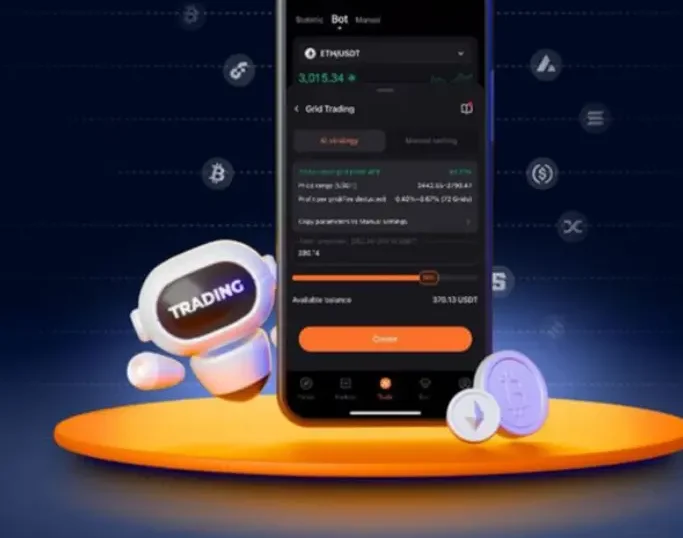
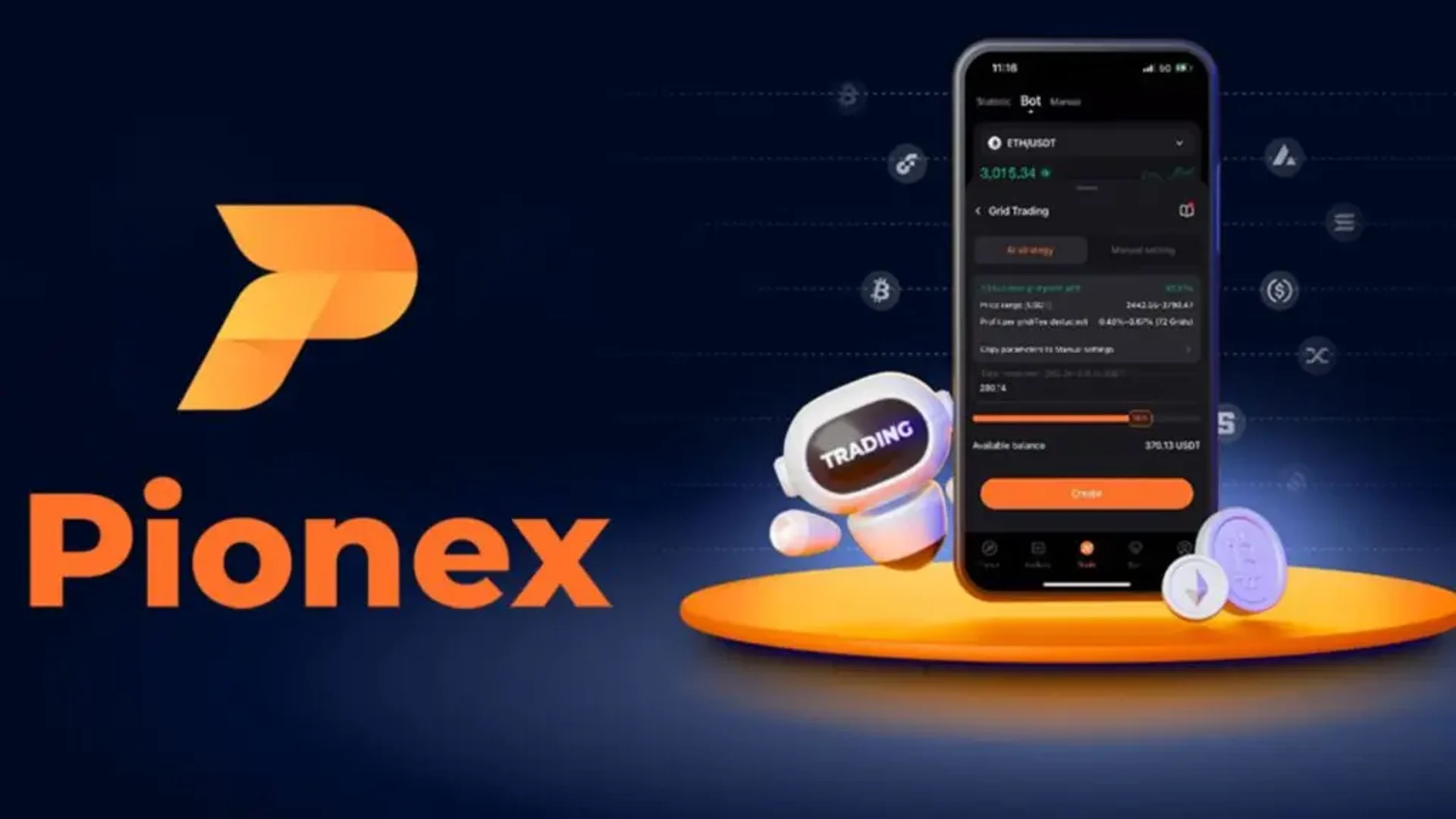
Pionex logo beside a trading-bot screen and a small robot

Pionex Referral Code BONUSOK

How to use BONUSOK when you register, what offer terms to check, and how Pionex's trading tools work.

Pionex.AI & Grid Bots

Updated November 2026
Offers and tools vary by account and location.

BONUSOK

How to apply the Pionex referral code

Pionex promotional graphic with BONUSOK and a QR code

Open the referral link or enter BONUSOK in the referral field during sign-up. Before submitting, check that the form shows the code and review the offer and eligibility displayed by Pionex. Rewards depend on the campaign and your eligibility. We may receive a commission if you sign up through our link.


Pionex registration

Referral code: BONUSOK

Open sign-up page

6 trading features on Pionex

AI tools, automation and account access

Spot Grid

The bot places orders at intervals in your chosen price range. A move outside that range can pause trading and leave you exposed to losses.

Sunlight shining through blue water

Grid AI suggestions

Grid AI uses historical data to suggest a starting price range and grid settings. You can adjust those inputs before launching.

The beta described by Pionex includes Pi for market questions and Support for account guidance. Coder and Quant are marked PRO.

Pionex.AI workspace

Blue AI letters amid digital lines
Human and robotic hands touching fingertips

Pionex AI Kit

The separate developer kit offers MCP, CLI and skills for market data and account or order functions, subject to API permissions.

Person using a keyboard in front of a monitor

Trading costs

Review the fee shown for the product and account tier. Bot trades can incur fees, and some AI workspace features are paid.

The app lets you create and monitor supported bots. Review each bot’s settings and available exit controls.

Bots in the mobile app

Bitcoin and Ethereum coins inside a colourful infinity symbol
Pionex trading-bot screen beside a small robot
Pionex mobile bot interface with the BONUSOK referral code

Pionex mobile app

The Pionex mobile app lets you create and monitor supported bots. Core bot settings include the pair, range and order spacing. Pionex.AI and the developer AI Kit are separate products.


Download the Pionex app on Google Play Download the Pionex app on App Store
BONUSOK

Enter BONUSOK if the app shows a referral code field during sign-up.
Pionex questions and answers

What is Pionex.AI?

It is a conversational beta workspace described in Pionex’s product guide. Pi answers market questions and Support covers account help. The PRO tools Coder and Quant cover coding and strategy testing.

How does the BONUSOK referral code work?

Open the referral link or enter BONUSOK in the referral field during sign-up. Before submitting, check that the form shows the code and review the offer and eligibility displayed by Pionex.

How does Grid AI differ from a Spot Grid bot?

Grid AI suggests initial settings from historical data. The Spot Grid bot places orders according to the configured range and rules.

Where can I see my offer?

Look for the offer in the sign-up flow or rewards area of the account. Check the requirements and deadline shown for your account.

Can external AI assistants connect to Pionex?

Pionex publishes AI Kit with a local MCP server, CLI and skills. Public market data and private account or order functions have different permission requirements.

Can I use Pionex on mobile?

Pionex provides iOS and Android apps for supported markets. You can manage supported bots in the app and review the terms of each feature.

Compare other exchanges

Binance logo
Binance logo

Binance

Spot and derivatives markets
Trading tools and APIs
Check local availability

Pionex alternatives

Bybit logo
Bybit logo

Bybit

Spot and derivatives markets
Copy trading and automation
Check local availability

BingX logo
BingX logo

BingX

BingX AI and copy trading
AI Skills Hub
Check local availability

OKX logo
OKX logo

OKX

AI Trading Bot
Agent Trade Kit and Wallet
Check local availability

Offers and tools vary by account and location.

BONUSOK